What a zoning variance changes in a permitted building envelope
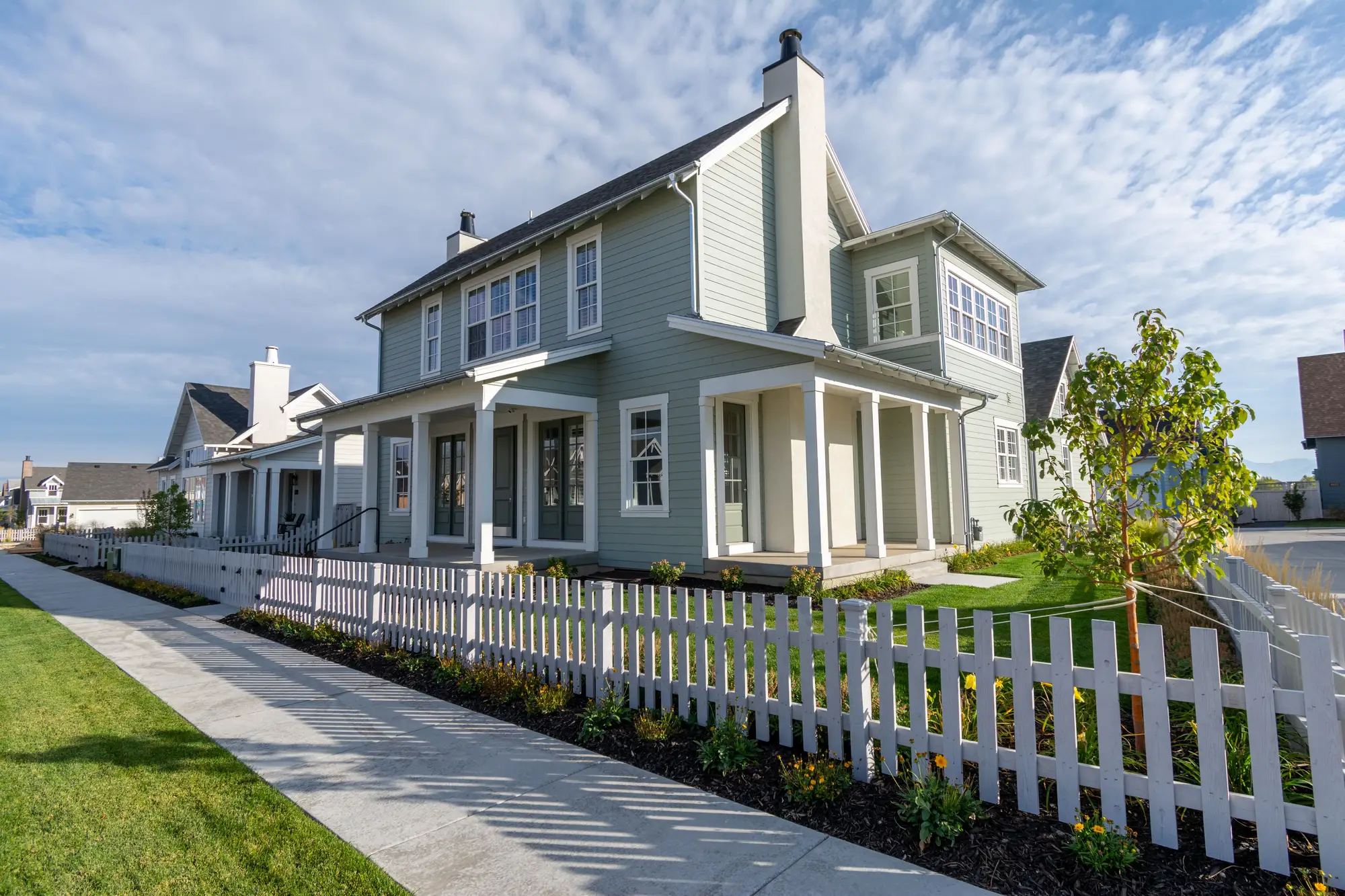
A variance is permission to break a zoning rule that would otherwise block a project. It doesn't rewrite the zoning code for the whole district. It carves out one exception, for one parcel, usually tied to one specific dimension: a side setback, a height limit, a lot coverage percentage. Once the board grants it, the permitted envelope for that parcel is no longer the standard one from the zoning table. It's the standard envelope plus whatever relief was approved, and that's the shape your field check needs to measure against, not the district default.
This trips people up because the zoning code and the building permit aren't always read together. The code sets the baseline envelope: footprint limits, height cap, setbacks from each property line. A building code variance (really a zoning variance, though contractors use the terms loosely) moves one of those lines for one address. If you pull up the standard setback table during an inspection and the lot has an approved variance sitting in the file, you'll flag a violation that isn't one.
Where variances usually land
Most of the variance requests that cross a building control desk fall into a short list:
Setback relief is the most common one. A lot is narrow, or the house predates the current code, or there's a mature tree the owner doesn't want to lose, and the rear or side setback gets reduced by a few feet. Height variances come up on sloped lots, where the code's height measurement point doesn't account for grade and a strict reading would make the lot unbuildable. Lot coverage variances let an owner exceed the footprint percentage, often for an addition or a garage. Each of these redraws one edge or one ceiling of the envelope and leaves the rest of the code untouched.
The variance decision itself usually comes with conditions: a reduced setback granted to 8 feet instead of the code's 15, but only up to a certain wall height, or only for a single-story addition. Those conditions become part of the envelope too. A compliant structure matches the variance as granted, not just "closer to code than before."
Why this matters when you're checking as-built against permit
An as-built audit that only checks against the zoning table will miss every parcel with an approved variance, and it'll miss it in both directions. You flag a structure as a violation when it's compliant with its own variance, or you wave through a structure that exceeded even the relief it was granted. Either error costs time: one means walking back a violation notice, the other means the problem surfaces later as a neighbor complaint instead of during your scheduled pass.
The variance decision belongs in the permit file, attached to that parcel, because it defines what's actually permitted there. When you're auditing footprint, height and setback against what was permitted, the baseline figure for that parcel is the code allowance as modified by the variance, start to finish. That's the number a quarterly compliance check needs to carry forward, and it's the approach behind the audit pass Permit Compliance runs against VHR imagery and a 3D model each quarter, comparing what got built to the envelope as permitted, variance included, rather than to the zoning table alone.
A quick way to tell if a variance applies
Before flagging anything on a lot with an unusual footprint or a setback that looks tight, check three things: whether a variance was filed for that parcel, what dimension it covers, and what conditions came attached. If the file shows an approved setback reduction, height exception, or coverage increase, that's the number to measure against, not the default from the zoning table. Skipping this step is the single most common reason a compliance flag gets contested and then withdrawn.
If your quarterly audits keep running into lots where the variance file and the as-built don't line up cleanly, that's exactly the gap Permit Compliance was built to close.